Company Settings
A company employee with administrator privileges has access to the settings. The company settings contain the following sections:
- General
- Plans and Payment
- Payment History
- Access Management
- Custom Roles
- Registry Settings
- CI/CD Settings
- CI/CD Runners
- Merge Requests
- Tags
- Branches
- LDAP Synchronization
- Environments protection
- Cleanup policies
General
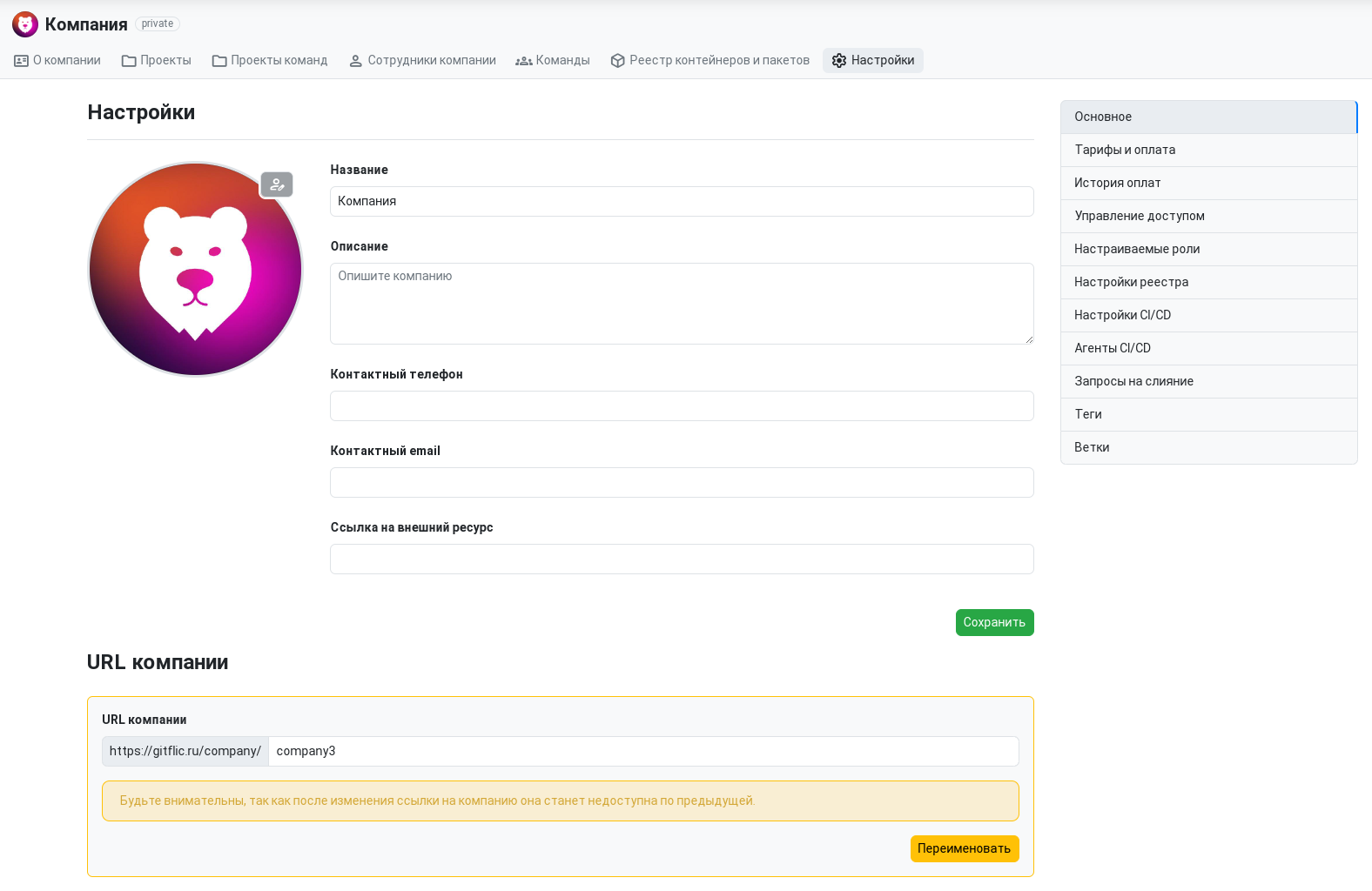
This section allows making changes to the company profile. The following can be modified: name, description, contact phone number, contact email, and link to an external resource. This section also allows changing the company avatar. Furthermore, it is possible to change the URL. After changing the URL, the old address will become available for all GitFlic users. The Storage block displays the available size of the company's package registry.
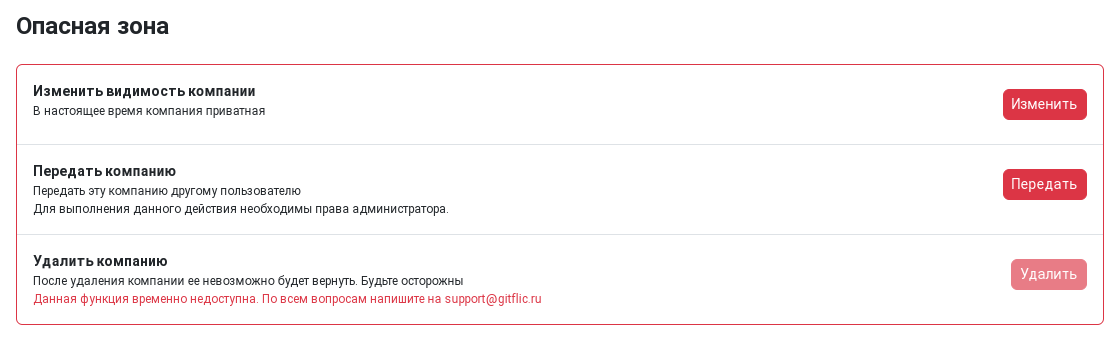
In the danger zone, you can change the visibility of the company - make it public or private. In this same section, you can transfer the company to another user: For this, the new owner must be a company member with administrator privileges.
Plans and Payment
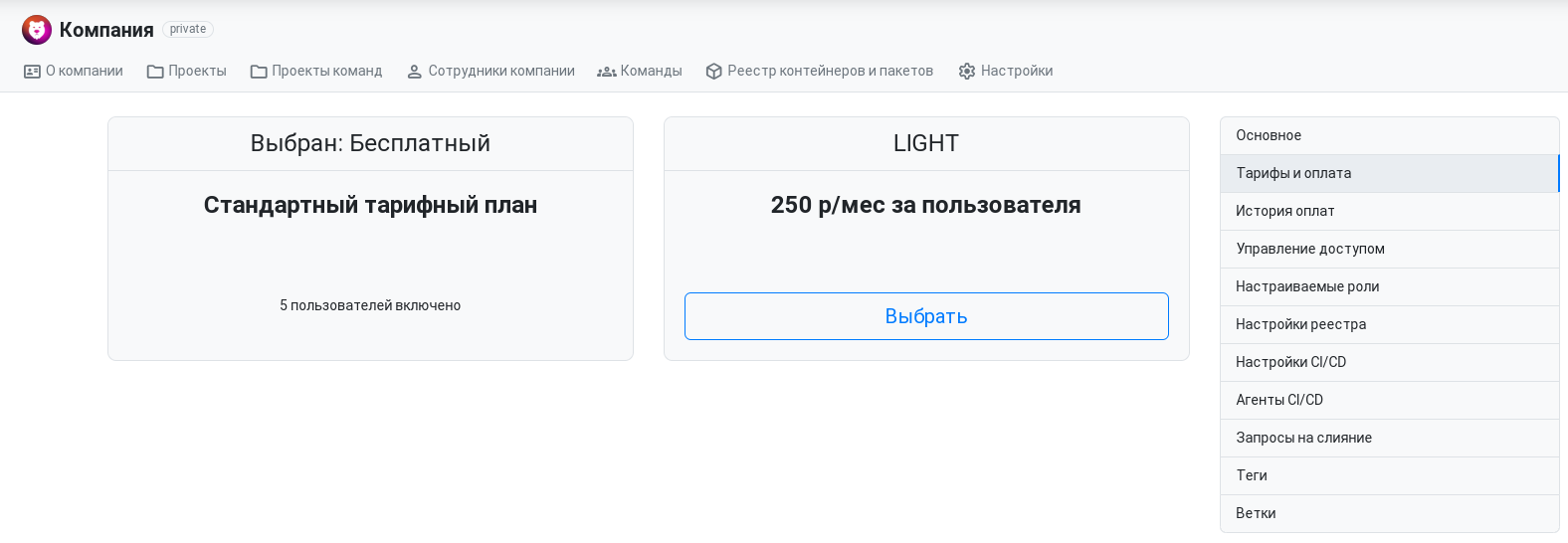
This section allows connecting a paid plan to access advanced features for working with the service's SaaS solution. You can switch back to the free plan in this same section.
In the Payment History section, you can see the history of payments.
Access Management
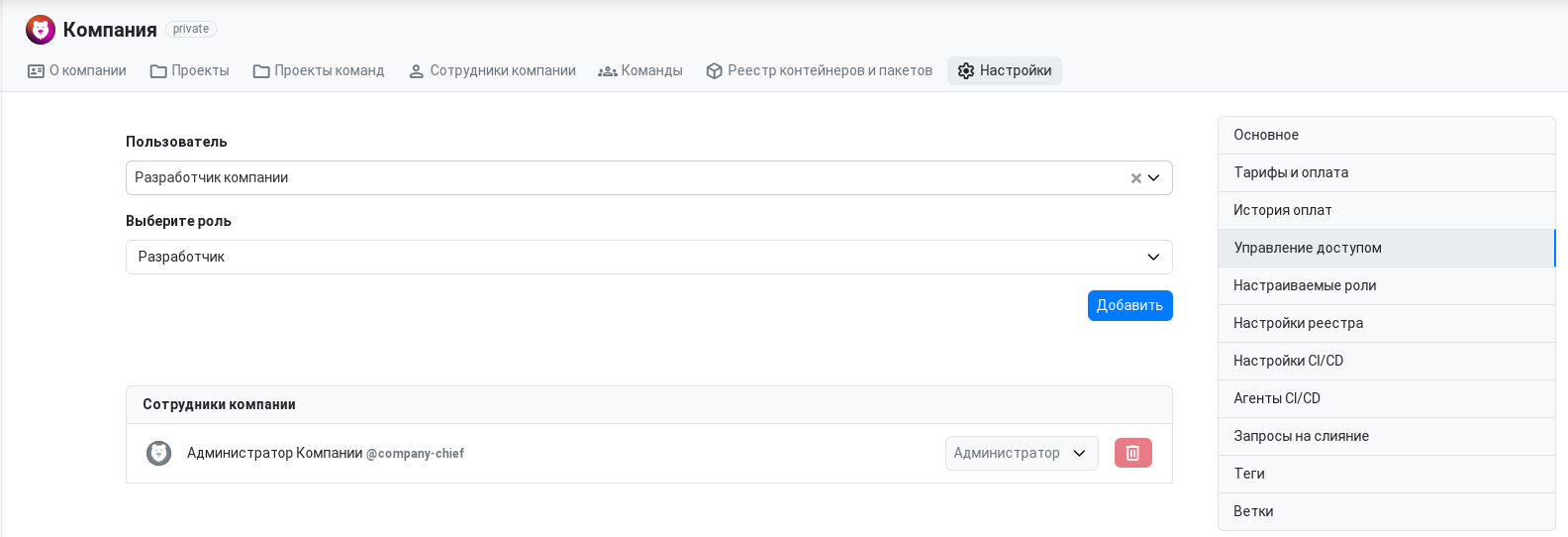
This section contains access management for company members. Documentation on working with this section can be found here.
Custom Roles
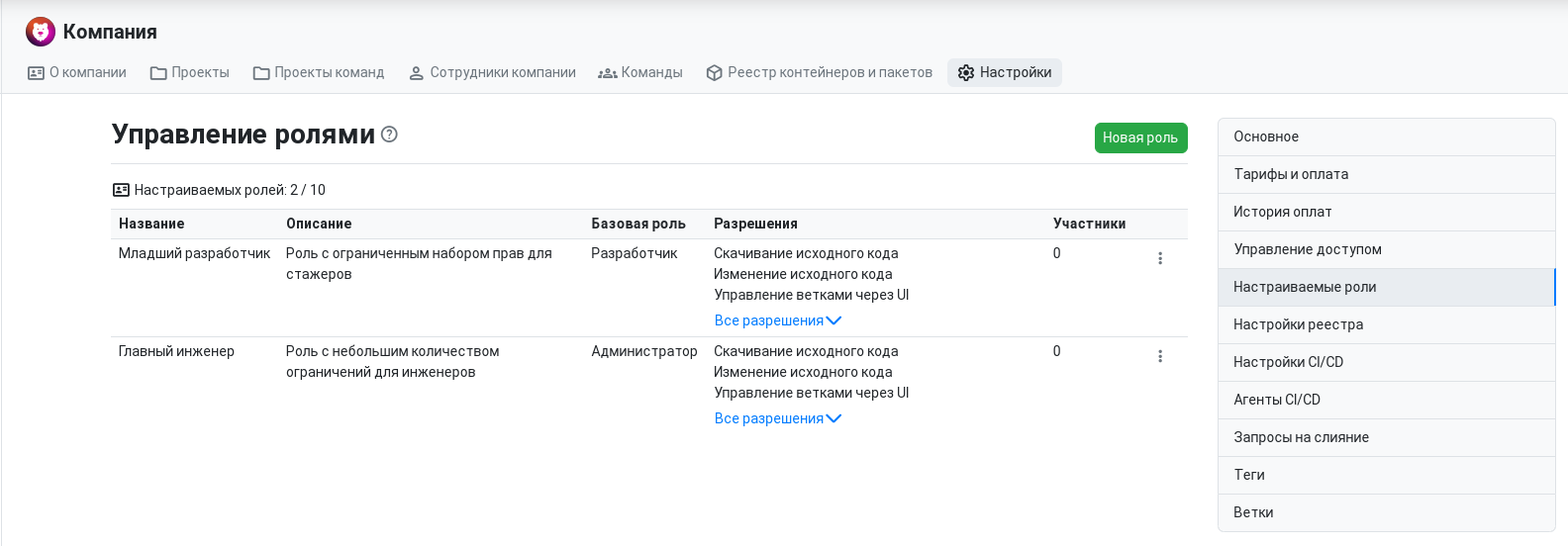
In the company, you can create and manage roles with a custom set of permissions. The web version of the service for companies allows the creation of 10 custom roles. When creating a new role, you can set a base role upon which you can add or remove the necessary permissions. More detailed information about working with roles can be found at the link.
Registry Settings
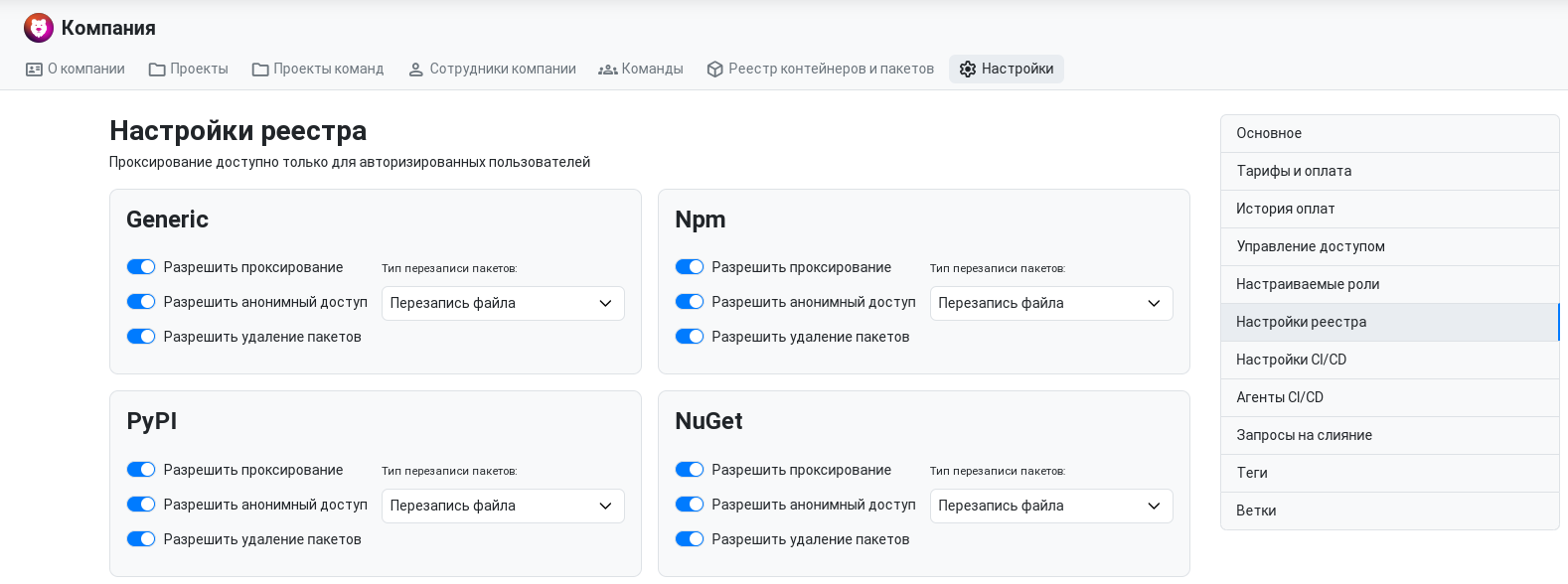
On the registry settings page, the company administrator can manage the policy for the package registry within their company. More detailed information about the package registry can be found on the page.
The following policies are available for management:
- Allow proxying
- Allow anonymous access
- Allow package deletion
- Package overwrite type
- Selection of key pair for package signing
CI/CD Runners
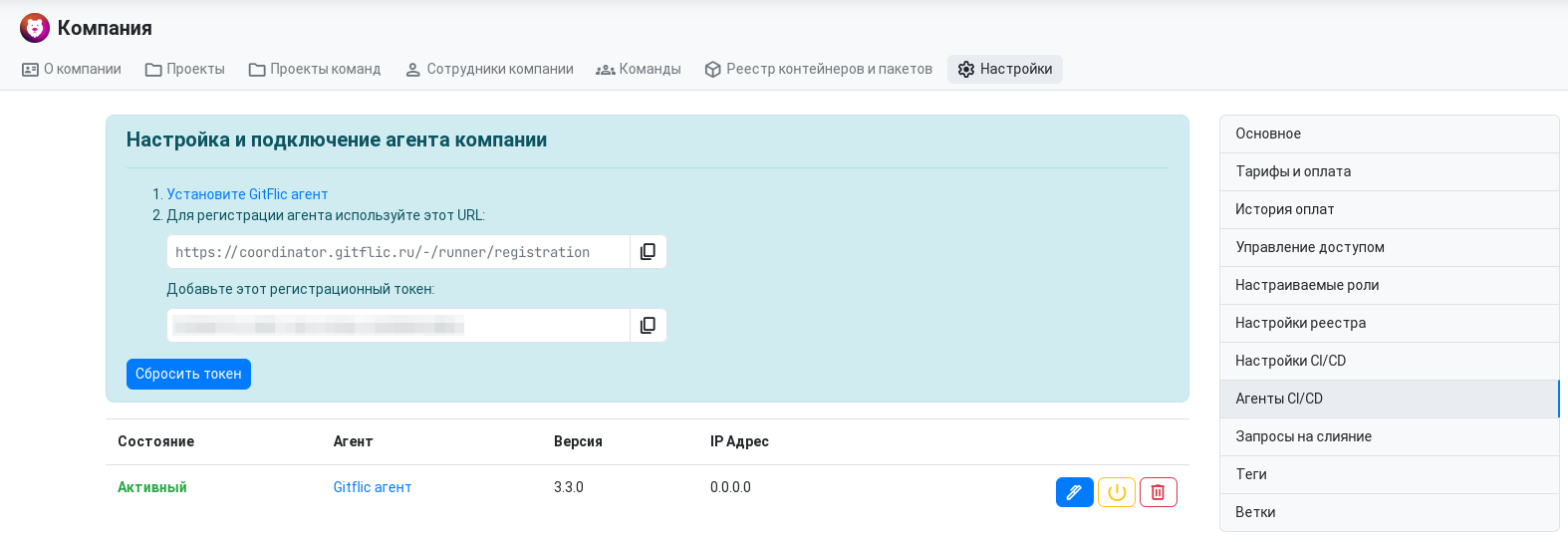
This page provides data for registering CI/CD Runners that will execute tasks in the pipelines of the company's projects or child teams. The setup instructions for the agent can be found here..
After registering an agent, information about the company's registered runners will be displayed on this page. Each agent has buttons to disable, configure, and delete it. Additionally, runners registered at the service-wide level will also be displayed here, without the ability to manage them.
Agent Configuration
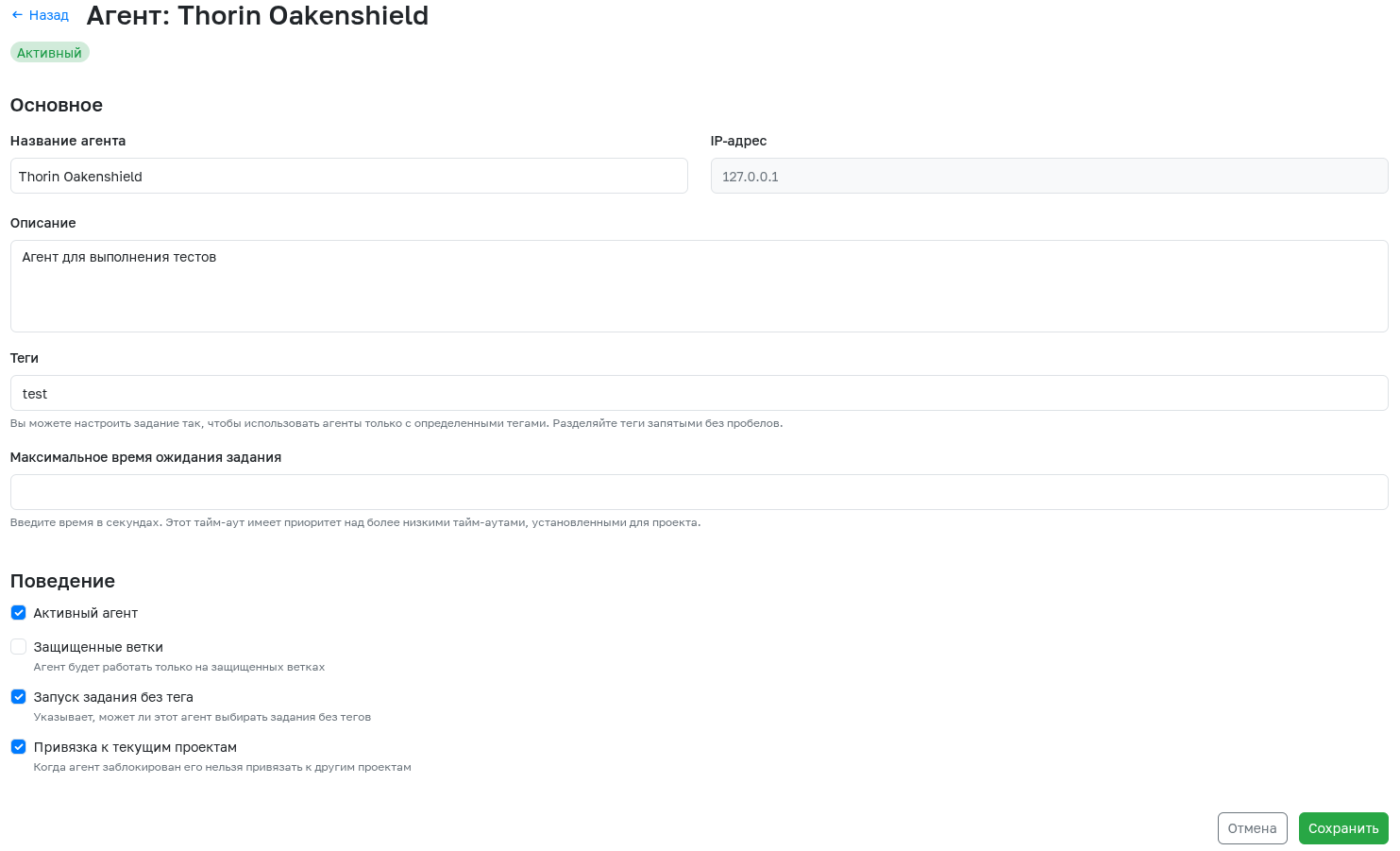
To navigate to the agent configuration, click the corresponding button. The following parameters can be configured for each agent:
- Agent Name - Generated automatically during agent registration but can be changed later.
- IP Address - The address of the machine where the agent is running. This information cannot be changed.
- Description - Any useful information about the agent.
- Tags - The agent will only pick up tasks that have tags specified from this list.
- Maximum job waiting time - Time in seconds during which the agent will wait for a new task.
- Active - Allows deactivating a running agent.
- Protected - This setting specifies whether this agent can only work on protected branches.
- Run untagged jobs - This setting specifies whether this agent can pick up jobs without tags.
- Bind to current projects - When an agent is locked, it cannot be bound to other projects.
Agent Jobs
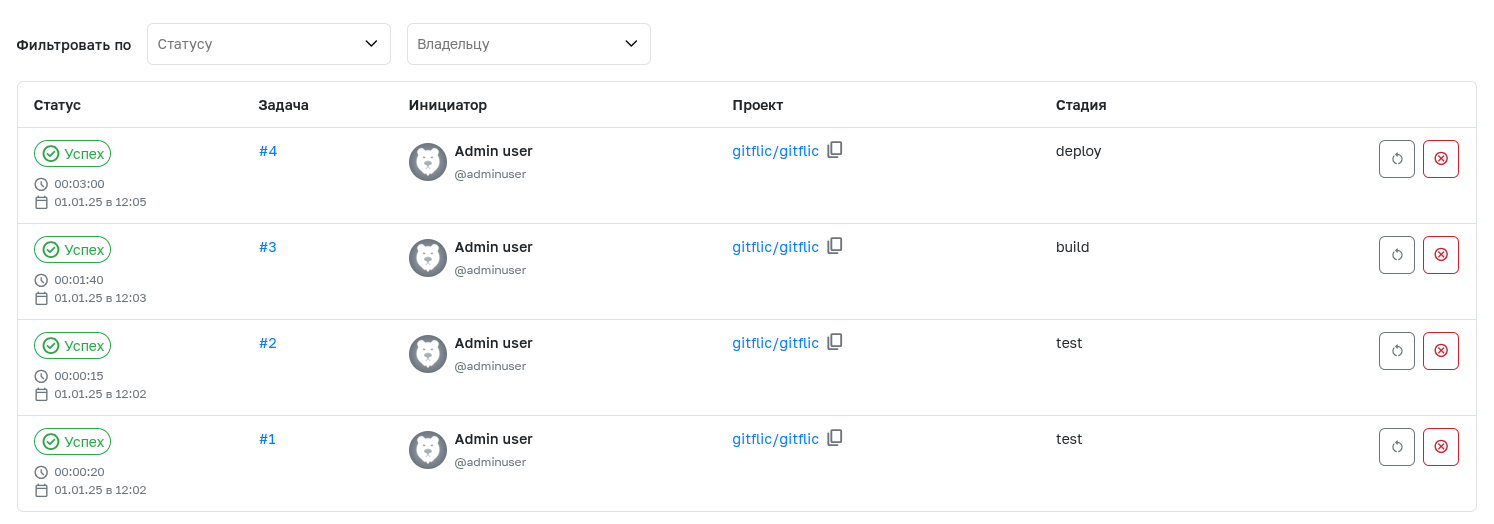
To view the jobs executed by this agent, open the agent information page by clicking on its name and navigate to the Jobs tab. The ability to filter by status and owner allows obtaining the required sample, which can be useful for company administrators.
Template Settings for Company Projects
On these pages, you can configure template rules that can be applied to all company projects. This mechanism allows for centralized management of default project workflow policies.
- Learn more about configuring rules for merge requests at the link.
- Learn more about configuring rules for protecting tags at the link.
- Learn more about configuring rules for protecting branches at the link.
- Learn more about setting up rules to protect environments at the link.
- Learn more about configuring pipeline existence policies at the link.
In the CI/CD Settings section, you can work with CI/CD variables. Variables created in this section will be available to all projects belonging to the company.
CI/CD variables created in the company are not available in projects of the company's teams and subgroups.
Changing any template settings is available through REST API endpoints.
LDAP Synchronization
The functionality is available in the Enterprise version.
The function is designed to automatically migrate user groups to GitFlic according to the group structure in the LDAP directory. You can learn more here
Cleanup policies
The functionality is available in Enterprise and Atlas versions.
Cleaning Policy — automated rules that help to remove outdated, unused or unnecessary artifacts from registry repositories. You can learn more here
Automated translation!
This page was translated using automatic translation tools. The text may contain inaccuracies.