CI/CD Runners
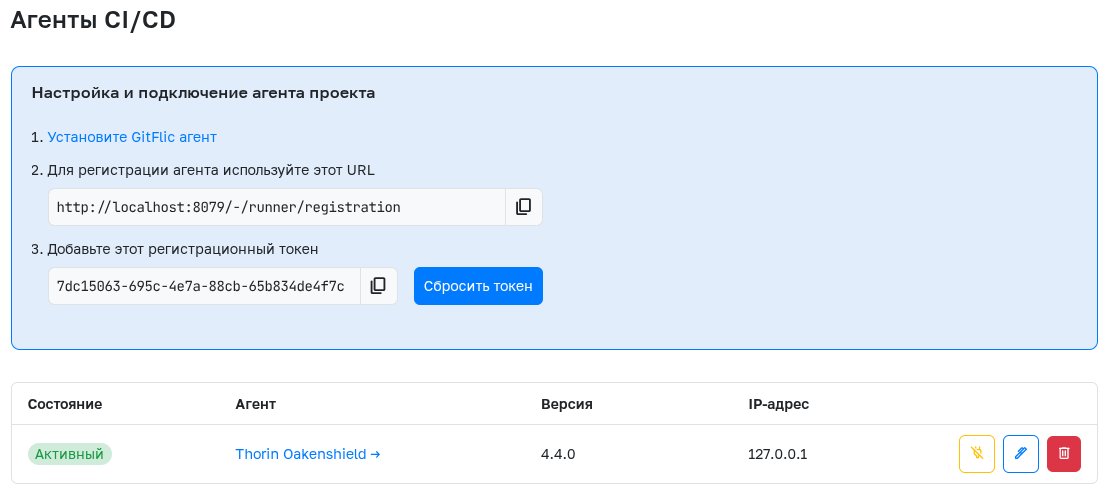
Registration of CI/CD runners at the project level is only available in self-hosted versions - Enterprise, Onpremise, and Atlas.
This page provides data for registering CI/CD Runners that will execute tasks in the project's pipelines. The setup instructions for the agent can be found here.
After registering an agent, information about the project's registered runers will be displayed on this page. Each agent has buttons to disable, configure, and delete it. Additionally, runners registered at the service-wide level will also be displayed here, without the ability to manage them.
Agent Configuration
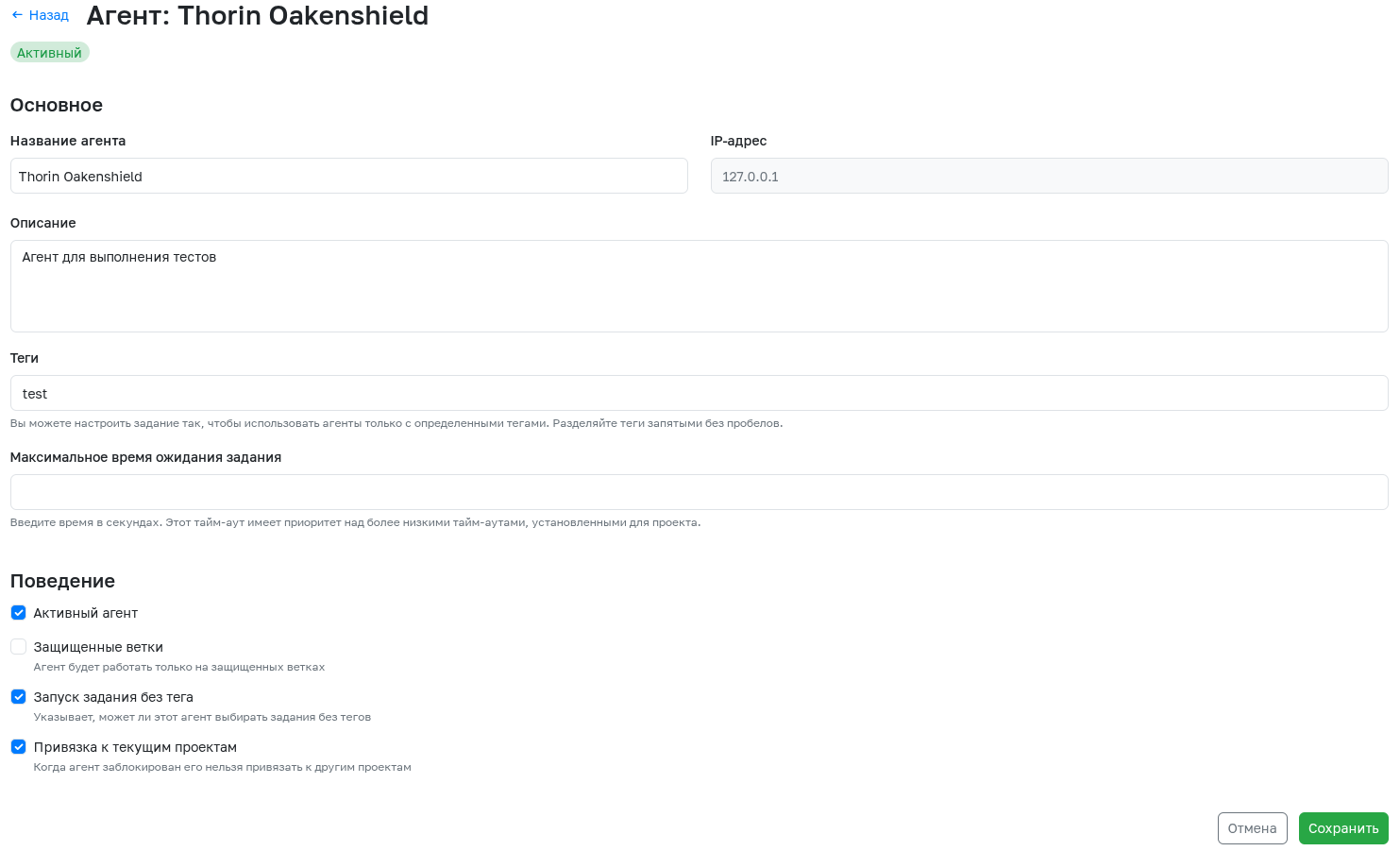
To navigate to the agent configuration, click the corresponding button. The following parameters can be configured for each agent:
- Agent Name - Generated automatically during agent registration but can be changed later.
- IP Address - The address of the machine where the agent is running. This information cannot be changed.
- Description - Any useful information about the agent.
- Tags - The agent will only pick up tasks that have tags specified from this list.
- Maximum job waiting time - Time in seconds during which the agent will wait for a new task.
- Active - Allows deactivating a running agent.
- Protected - This setting specifies whether this agent can only work on protected branches.
- Run untagged jobs - This setting specifies whether this agent can pick up jobs without tags.
- Bind to current projects - When an agent is locked, it cannot be bound to other projects.
Agent Jobs
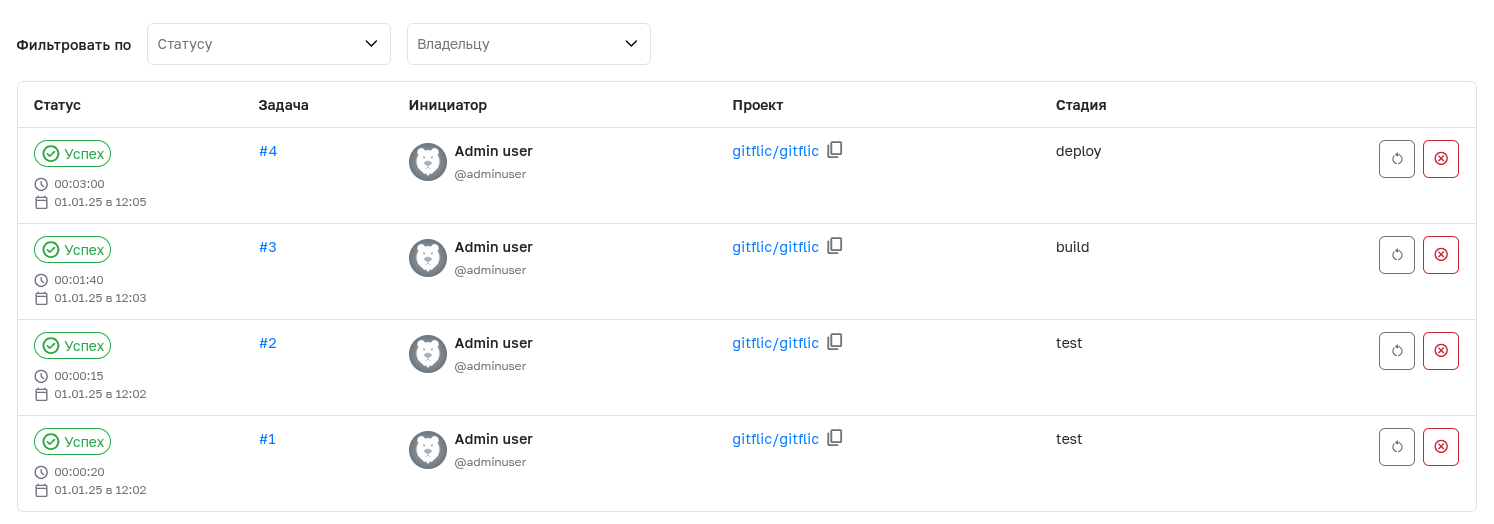
To view the jobs executed by this agent, open the agent information page by clicking on its name and navigate to the Jobs tab. The ability to filter by status and owner allows obtaining the required sample, which can be useful for company administrators.
Automatic Translation!
This page was automatically translated. The text may contain inaccuracies